Requesting Support for a Specific Email
Our support team is ready to help you understand how Email Processing handled a specific message.
To answer questions about a specific email, we may ask you for the URL to one or more examples from your Email Processing history. A direct history URL gives us the context we need to review the message, the mailbox that received it, the processing status, and the rules and action steps that ran for that message.
How to obtain the URL to an example email
To send us a URL for a specific email, complete the following steps:
- Log in to your MSPintegrations console.
- Open Email Processing.
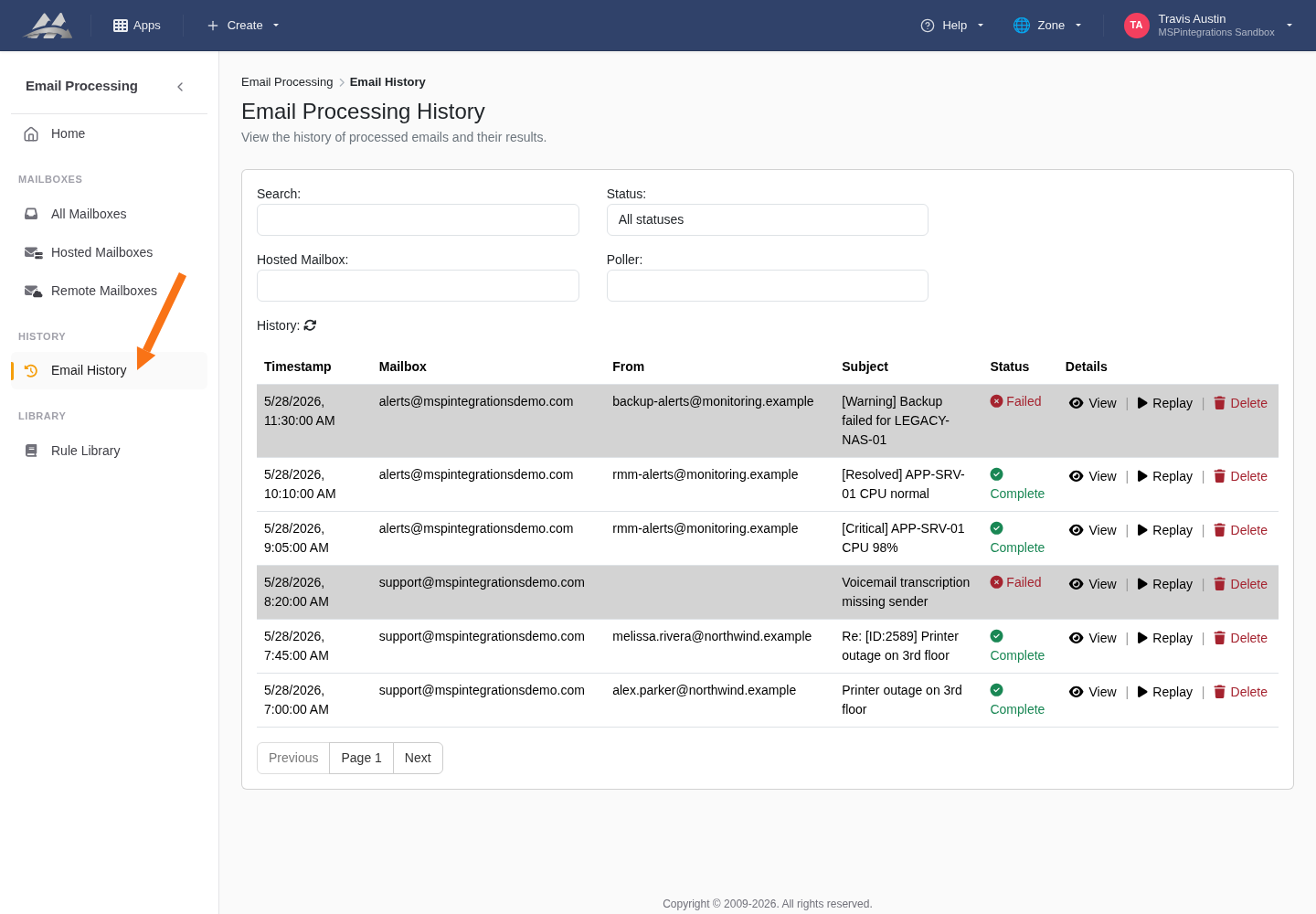
- In the left sidebar, select Email History.
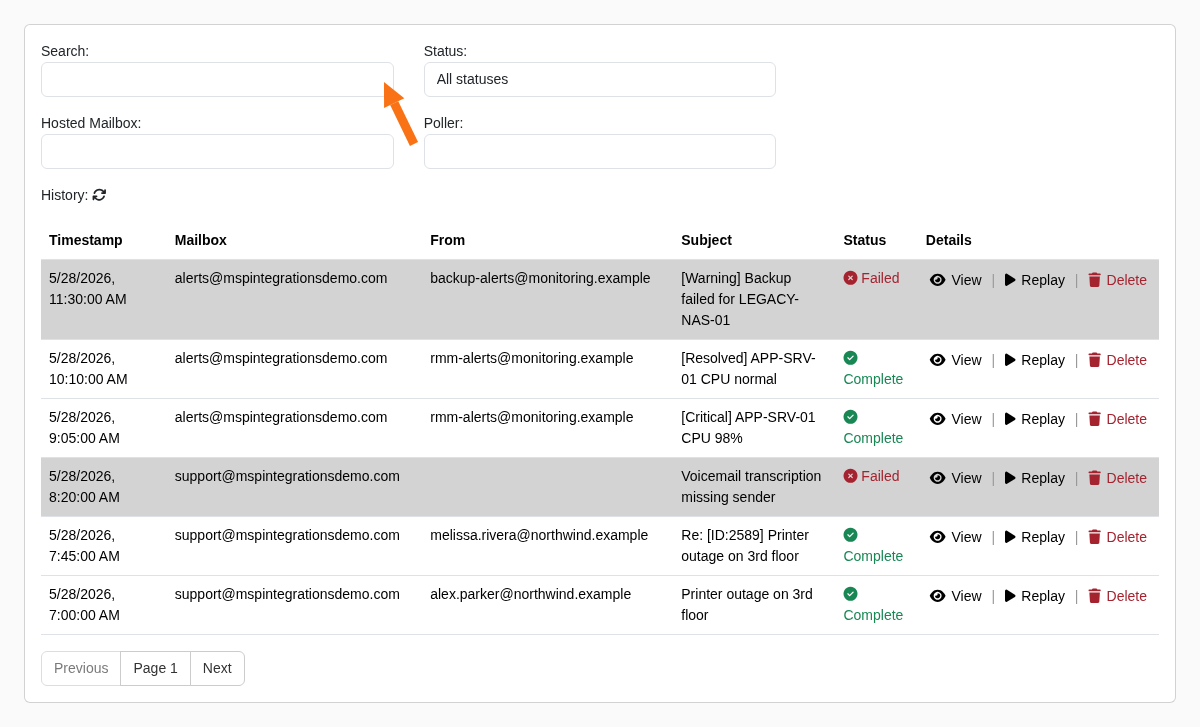
- Locate a message that can serve as an example. Use the Search field to search by subject or sender, or use the mailbox and status filters to narrow the list.
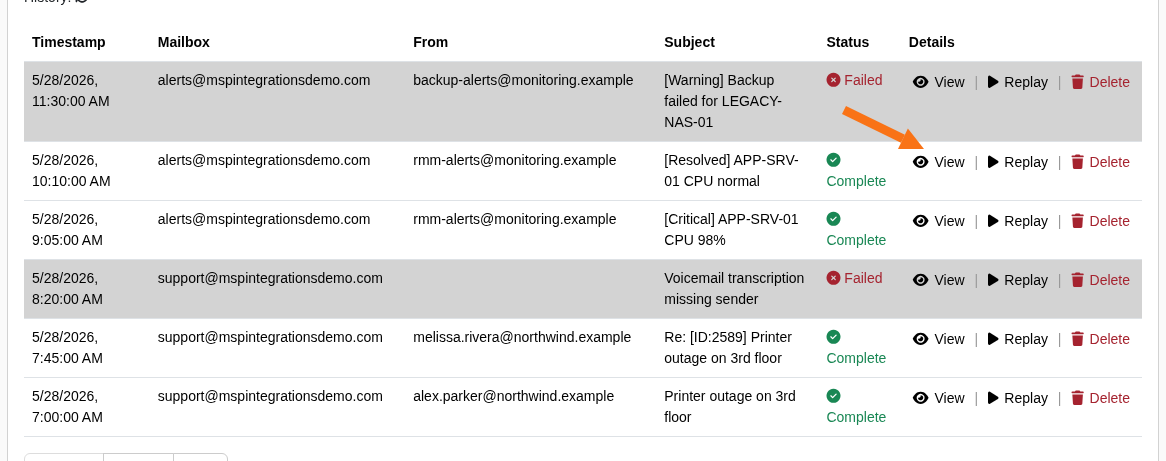
- In the Details column for the example message, select View.
- On the Message Details page, select Copy URL. The button briefly changes to Copied to confirm that the URL is on your clipboard.

- Paste the URL into your support request or email to us.
Sending a direct history URL helps us provide a more specific answer because we can review the same message and processing log you are seeing.